 LIVE
LIVEMatch
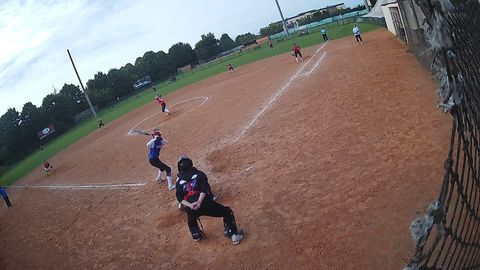
A wide shot of the playing area for supporters
rtsp.me turns the video stream of an existing IP camera into a live stream you can watch in a browser on a computer, smartphone or tablet.
Show matches, tournaments, training sessions and competitions to supporters, parents and participants without a separate video server, a capture card or a computer left running at the venue.
Connect a sports cameraStadiums, sports halls, ice arenas and training centers often already have surveillance cameras in place. If an IP camera supports RTSP and its field of view covers the playing area, that video stream can be used for a live broadcast.
For a basic single-camera broadcast there is no need to buy a professional video camera, a hardware encoder, a capture card or a dedicated computer. Processing the stream and delivering the video to viewers is handled by rtsp.me.
This format suits amateur and youth sport, local tournaments, training sessions and events that need a steady overview stream without a television production budget.
Overview cameras let you show matches, training sessions and competitions to spectators, parents and participants on any device.
LIVEA wide shot of the playing area for supporters
 LIVE
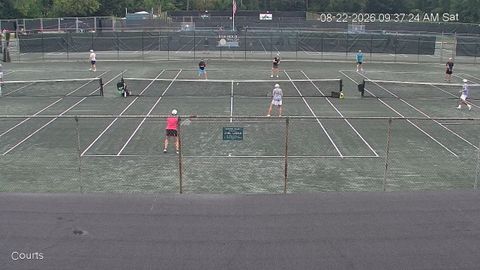
LIVEWatching athletes train in real time
 LIVE
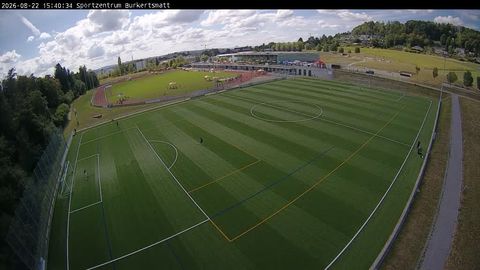
LIVEAn overview broadcast of local competitions
The service receives the RTSP stream from the camera and makes it available to viewers through a modern web browser or an embedded player on your website.
Before connecting, make sure the camera shows the part of the ground you need and delivers an RTSP stream of sufficient quality. After that it takes a few steps:
The link can be sent to participants and supporters, and the player can be placed on the website of a sports club, school, federation or competition organizer.
A live stream from an overview IP camera suits regular events at fixed sports venues:
When choosing the field of view, it is important that the key area of the competition stays in shot. Sports played over a large area may need a wide-angle camera or several viewpoints.
A stream helps widen the audience for an event. Parents can watch children's competitions remotely, supporters can follow an away match, and participants can rewatch past games.
A sports venue can connect cameras from several halls, pitches or arenas in one account. Each stream gets its own link and access mode.
An open match can be placed on your website, while a training session or an internal competition is protected with a password. A domain restriction means the embedded player is shown only on the resource you allow.
A fixed camera keeps the wide shot you have chosen and can work without an operator permanently on site. That is convenient for regular matches and training sessions where putting together a separate camera crew makes no economic sense.
The cloud archive lets you keep a recording of a competition and watch it after the broadcast ends. Coaches can use the video to analyze passages of play, athletes to review technique, and spectators to catch up on an event they missed.
The retention period is chosen according to the needs of the club or venue. Access to private recordings can be given only to coaches, teams or other authorized users.
rtsp.me monitors the availability of the connected camera and reports a loss of signal. That helps you spot a problem in advance instead of checking every broadcast by hand.
A stream from a fixed camera gives a steady wide shot. If an event needs switching between many cameras, close-ups, a commentary studio, replays and complex on-air graphics, separate equipment and a video production team will be required.
Start a live stream of a match, tournament or training session without buying costly filming kit and a separate video server.
Connect an existing RTSP camera and give viewers access to the stream from any device.
Create a sports stream